The technique
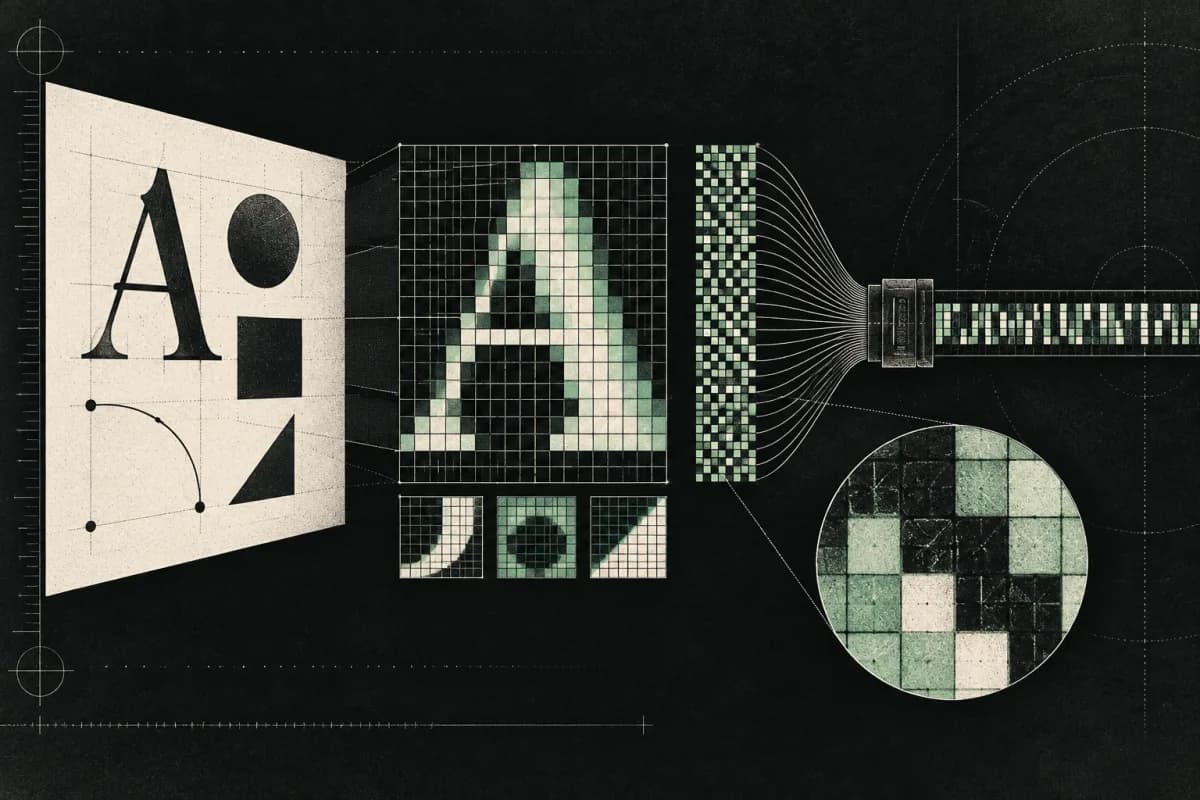
A script draws text, emoji, gradients and geometric shapes onto an invisible HTML canvas, reads the pixels back, and hashes them. Font rasterisation, anti-aliasing, emoji sets, GPU and driver differences all subtly change the output.
The resulting hash is stable for a given browser and system, and differs across many configurations.
How browsers defend
Some browsers block canvas readback, require permission, or add imperceptible random noise so the hash changes on every read. This site draws the canvas twice; if the two hashes differ, the browser is randomising canvas output and the value is reported as randomised rather than fingerprintable.